

Empty Folder Cleaner
Free Windows app that finds every empty folder — including long chains where folders only contain other empty folders — and removes them to the Recycle Bin. Manual selection, one click, nothing is deleted behind your back.
What the app finds and shows
Smart emptiness detection
A folder is empty when its whole subtree contains no files — so chains of folders that only contain other empty folders are found in one pass, deepest level included.
Settings: Skip system folders
Manual checklist
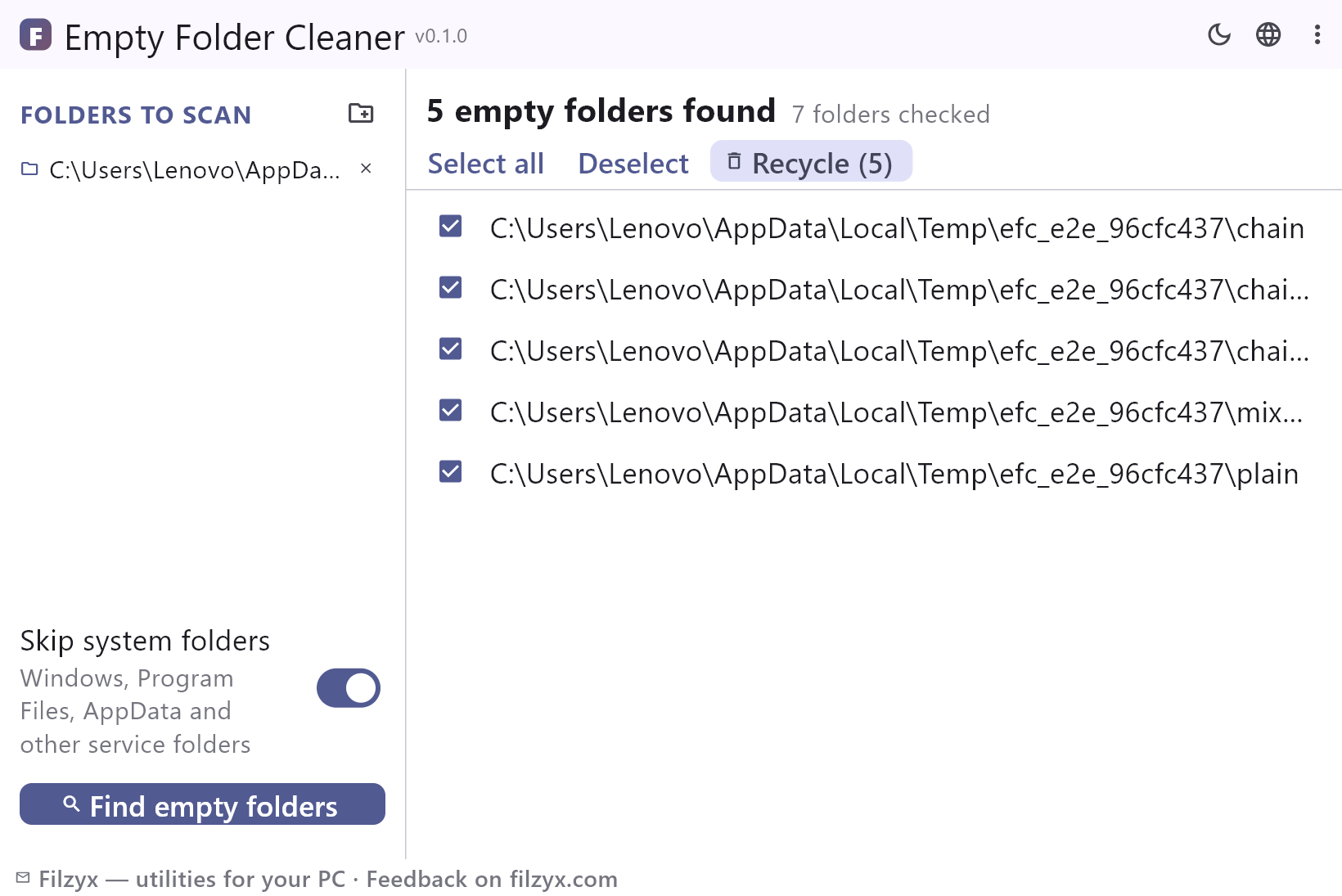
Every empty folder is listed with a checkbox; Select all and Deselect are one click, and nothing is ticked automatically. Skipped folders are reported separately.
Settings: Multiple scan folders
Recycle Bin cleanup
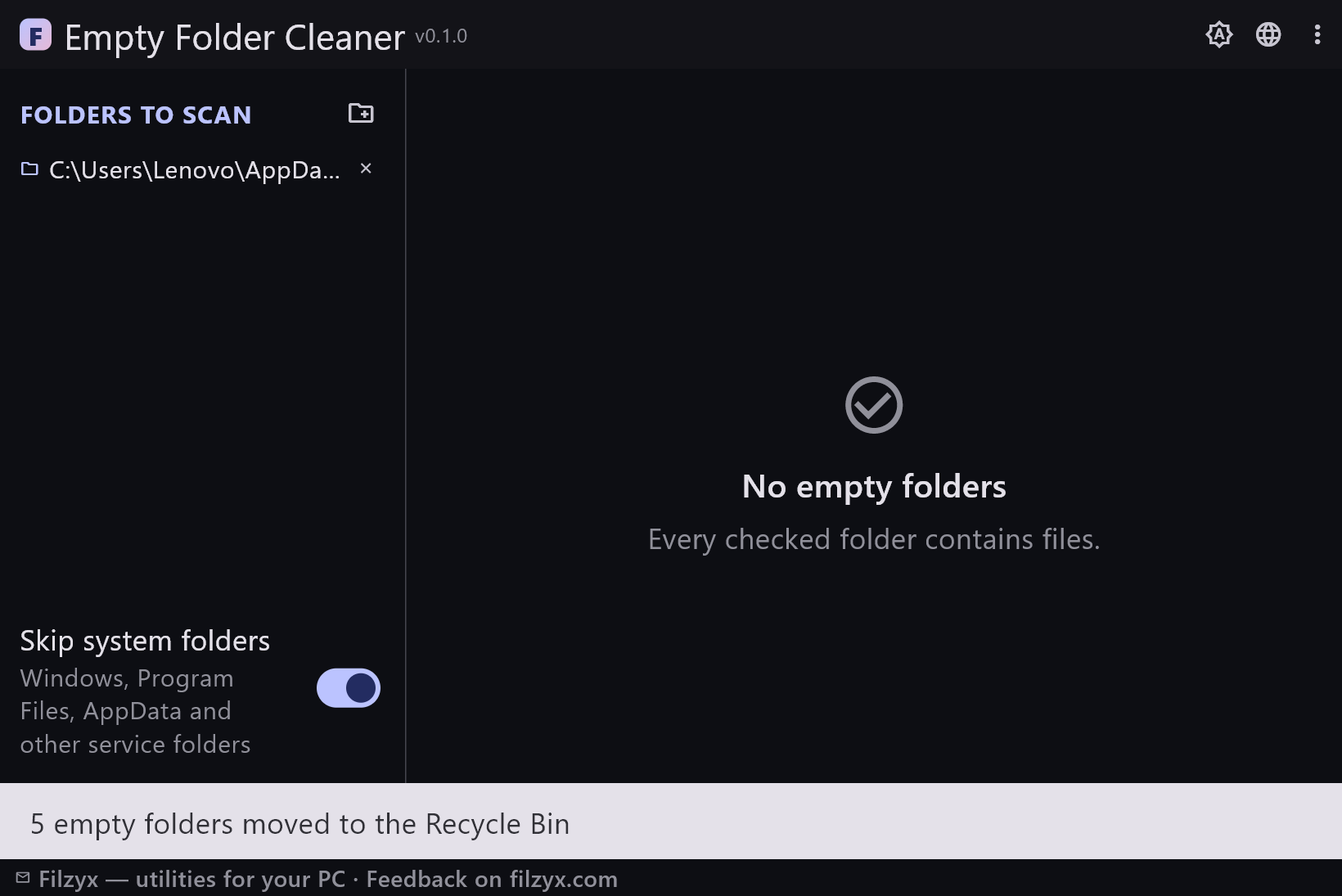
Selected folders move to the Recycle Bin through the Windows shell — restorable, no permanent deletion, no scripts to run.
Settings: One-click Recycle button
How to remove empty folders in 3 steps
- Add one or more folders on the left — system folders can be skipped to keep the scan fast.
- Press “Find empty folders”: every empty directory appears in the list, including chains where folders only contain other empty folders.
- Select the folders you no longer need and press “Recycle” — they go to the Recycle Bin and can be restored at any time.
Windows built-in tools vs Empty Folder Cleaner
Windows has no built-in empty folder finder. File Explorer cannot filter by “contains no files”, and deleting folders by hand means opening every single one to check — an afternoon of clicking for a messy drive. The classic workaround is a PowerShell one-liner that deletes every empty folder outright — a dangerous command with no preview, no list and no Recycle Bin. Empty Folder Cleaner gives the same result with a checklist: you see exactly what will be removed before anything moves.
Nested chains count as empty
The folders that clutter a drive are usually not plain empty folders — they are chains: app leftovers like AppData\Vendor\Product\Cache where only the deepest folder is truly empty, or a moved photo library that left three levels of empty directories behind. A naive check sees “this folder contains a folder” and stops. Empty Folder Cleaner resolves the whole subtree first: when every folder inside is empty, the parent is empty too, and the entire chain is offered for removal in one pass.
Nothing happens without your tick
Selection is always manual: nothing is checked when the scan finishes, and Select all is a button you press, not a default. Unreadable folders and system directories (Windows, Program Files, AppData, $Recycle.Bin…) are skipped — never deleted, and they also protect their parents from being considered empty. Deletion goes through the Windows shell to the Recycle Bin, so an accidental removal is restored from there in seconds.
Features
- Finds nested empty folder chains, not just plain empty directories
- Unreadable folders and system directories are skipped and protect their parents
- Manual checklist: nothing is selected automatically
- Select all / Deselect with one click; live selected counter
- Deletion to the Recycle Bin — a mistaken cleanup is restorable
- Multiple scan folders, saved between runs
- Fast engine running in a background process with live progress and cancel
- Folders with files are never touched — content is not inspected at all
- Skips system folders (Windows, Program Files, AppData…) to keep scans fast
- Dark and light themes, settings are remembered
- 16 interface languages
- No ads, no accounts, no telemetry
Screenshots
Guides
Step-by-step guides for Windows:
-
How to find and remove empty folders on Windows (free)
Step-by-step: find empty folders on Windows 10/11 — including nested chains of folders that only contain other empty folders — and remove them safely to the Recycle Bin.
FAQ
- Is Empty Folder Cleaner free?
- Yes — free to download and use on Windows 10/11 (x64), with no ads, no accounts and no telemetry.
- Does Windows have a built-in empty folder finder?
- No. File Explorer cannot filter folders by “empty”, and the usual alternative is a PowerShell command that deletes empty folders with no preview and no Recycle Bin. A dedicated tool shows a checklist first.
- Will it delete a folder that contains only empty subfolders?
- Yes — that is the point of the chain detection. When every folder inside is empty, the parent is empty too, and the whole chain is offered together.
- Is deletion safe?
- Deleted folders go to the Recycle Bin and can be restored individually. Selection is always manual and unreadable folders are never touched.
- Does it touch system folders?
- No. With “Skip system folders” enabled (the default) Windows, Program Files, AppData and other service folders are ignored and additionally protect their parents from deletion.
- Can I undo a cleanup?
- Yes — open the Recycle Bin and restore the folders you changed your mind about; their content was never modified.