

Wi-Fi Password Viewer
Free Windows app that shows the passwords of every Wi-Fi network this PC has ever connected to — masked by default, revealed with one click and copied to the clipboard.
What the app finds and shows
Masked list with deliberate reveal
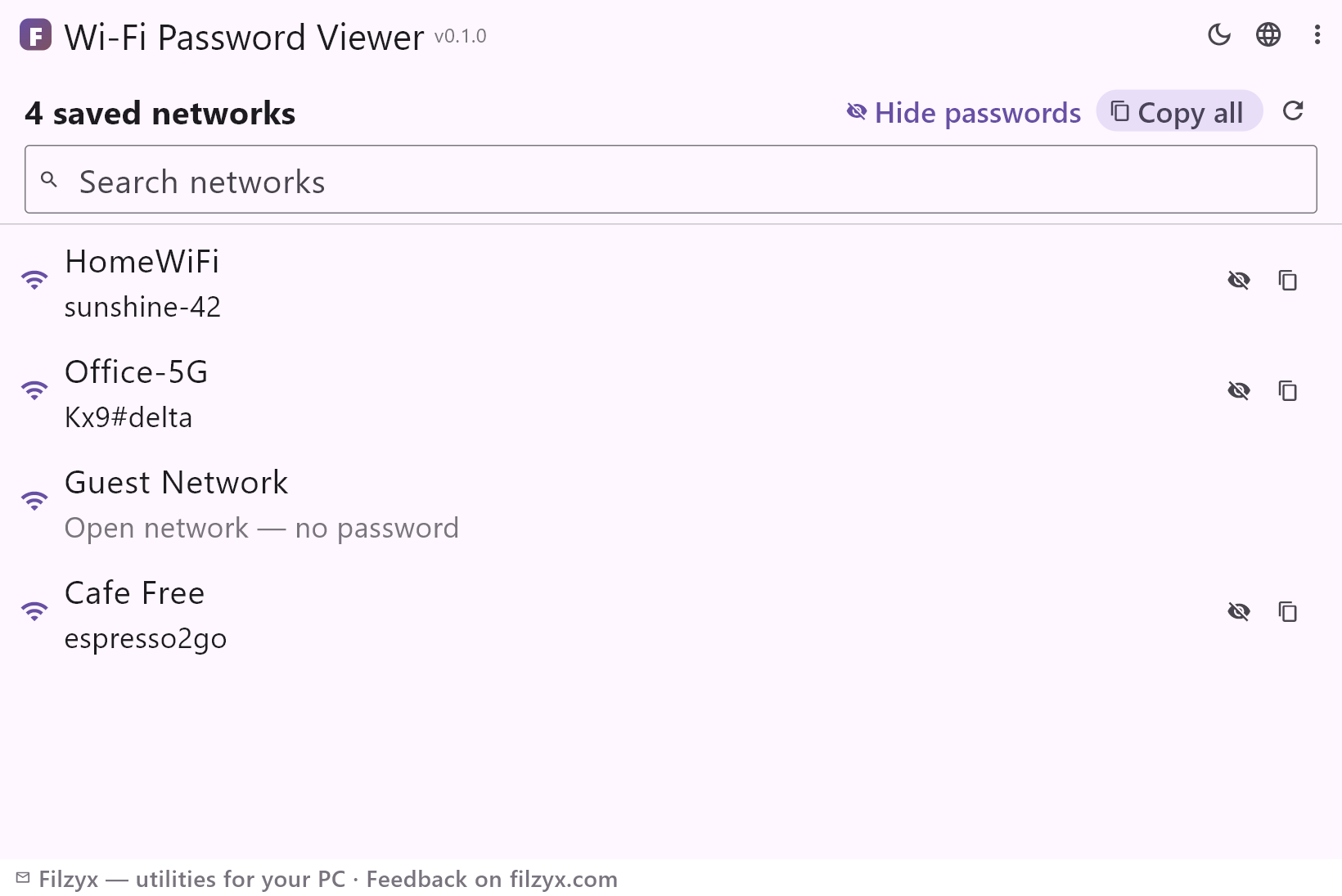
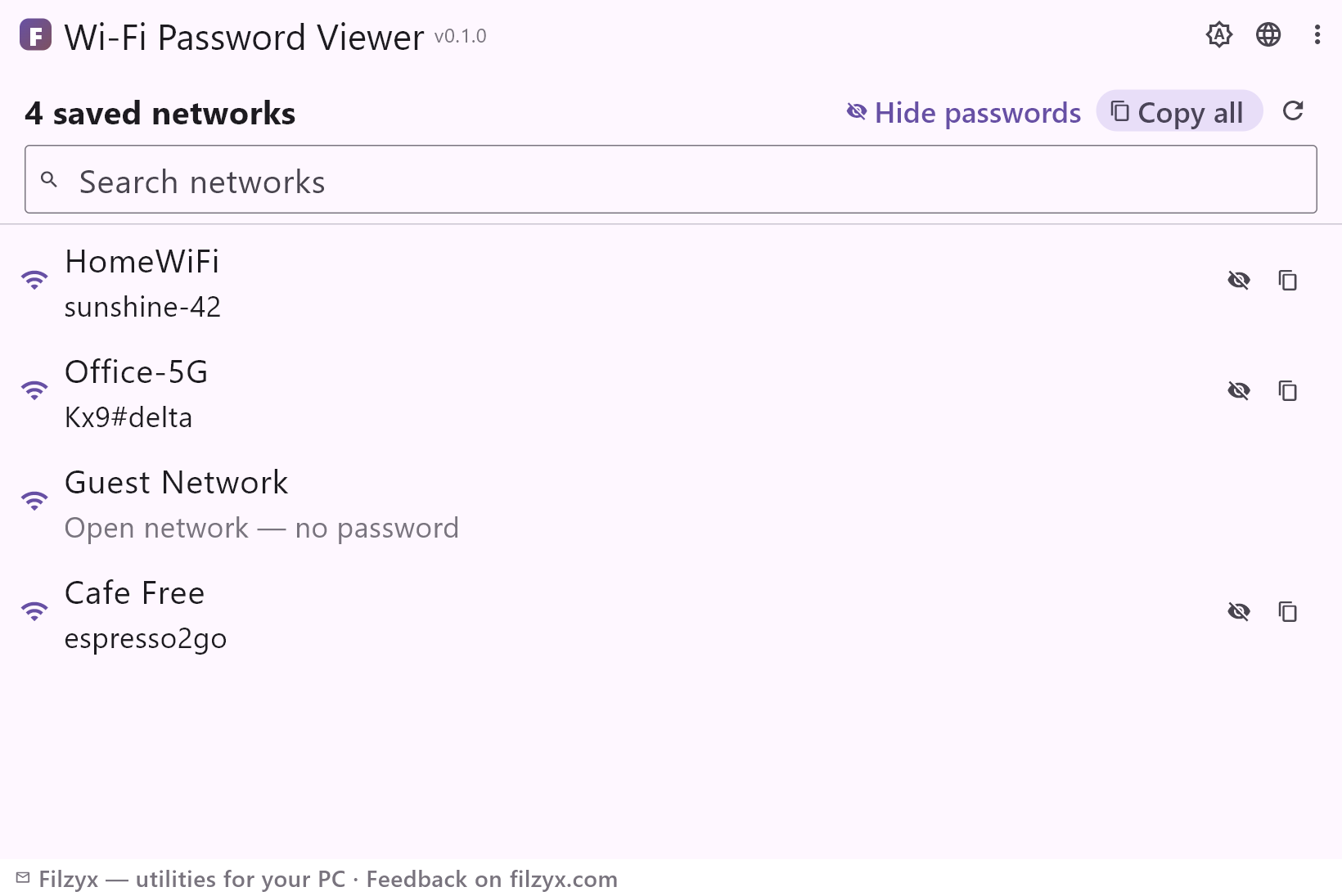
Every saved network with the password hidden as dots. One global “Show passwords” button or a per-network eye reveals the keys when you actually need them.
Settings: Masked by default
Copy one or copy all
A copy button next to each network puts that password on the clipboard; “Copy all” exports the whole list as “network: password” lines.
Settings: One click to the clipboard
Search and refresh
A search box filters by network name — handy with dozens of saved profiles — and Refresh re-reads the list after connecting to something new.
Settings: Works offline, no admin rights
How to see a saved Wi-Fi password in 3 steps
- Open the app — every saved network appears with its password masked.
- Press “Show passwords” — or the eye button of one network — to reveal the keys.
- Use the copy button next to a network, or “Copy all” to get a tidy “network: password” list.
Where Windows hides saved Wi-Fi passwords
Windows stores every Wi-Fi profile you have connected to — and the WPA key with it — so it can sign you in automatically next time. The graphical settings only show the password of the network you are currently on, and only after clicking through to the wireless properties. The universal alternative is a console command (`netsh wlan show profile name="SSID" key=clear`) that prints a wall of text where one line — Key Content — is the password. Wi-Fi Password Viewer does that work for every network at once, without the console and without clicking through properties.
How it works — and what it never does
On launch the app asks Windows to export its wireless profiles (including the clear-text keys) into a temporary folder, reads the network name and password from each profile file, and deletes the folder immediately. The list opens with passwords masked; revealing is always deliberate. Copy puts a single password on the clipboard, Copy all exports the complete list. Nothing touches the network: no router logins, no packet sniffing, no internet — just the profiles this PC already has.
Honest about the sensitivity of passwords
A tool that shows Wi-Fi passwords deserves scrutiny, so: everything happens locally, nothing is sent anywhere, no accounts, no telemetry, and masked-by-default means the list is safe to keep open on screen — for example while helping a guest connect. The app reads only profiles of this computer, which is exactly what you see in Settings → Wi-Fi → Manage known networks, only readable in plain text.
Features
- Every saved Wi-Fi network on this PC with its password
- Masked by default — reveal all or one network at a time
- Copy a single password or the whole list with one button
- Search filters long profile lists by network name
- Refresh picks up newly connected networks instantly
- Open networks marked honestly as “no password”
- Reads the standard Windows WLAN profiles — nothing invented
- No admin rights and no internet connection needed
- Nothing leaves the computer: no accounts, no telemetry
- Temporary export files are deleted right after reading
- Dark and light themes
- 16 interface languages, no ads, no accounts
Screenshots
Guides
Step-by-step guides for Windows:
-
How to find a saved Wi-Fi password on Windows (3 ways)
Forgot your Wi-Fi password? Windows remembers it — here is how to see it: current network in Settings, any saved network via netsh, or a free viewer that shows every password at once.
FAQ
- Is Wi-Fi Password Viewer free?
- Yes — free to download and use on Windows 10/11 (x64), with no ads, no accounts and no telemetry.
- Does it need administrator rights?
- No. The saved profiles of the current user are readable without elevation; if some profiles belong to another user, they simply do not appear.
- Does it work without internet?
- Completely — it only reads local Windows configuration; no network connection is used at all.
- Why is one of my networks missing?
- Only networks this Windows account has connected to and saved appear. A network you never joined, or one removed via “Forget”, has no profile to read.
- Is it safe to keep passwords visible?
- Revealing is always your explicit action, and the list is hidden again after a restart. The copy buttons exist precisely so you can reveal a password for a second and paste it where needed.
- Can it find the Wi-Fi password of a network I have never connected to?
- No — and no tool can, without attacking the router or cracking the key. This app shows only keys already stored on this PC, which is what almost everyone actually needs.