

PC Specs
Free Windows app that shows what is inside your computer: CPU model, cores and clock, RAM size and modules, graphics adapter, disks, motherboard, BIOS — in plain readable cards.
What the app finds and shows
One-shot spec sheet
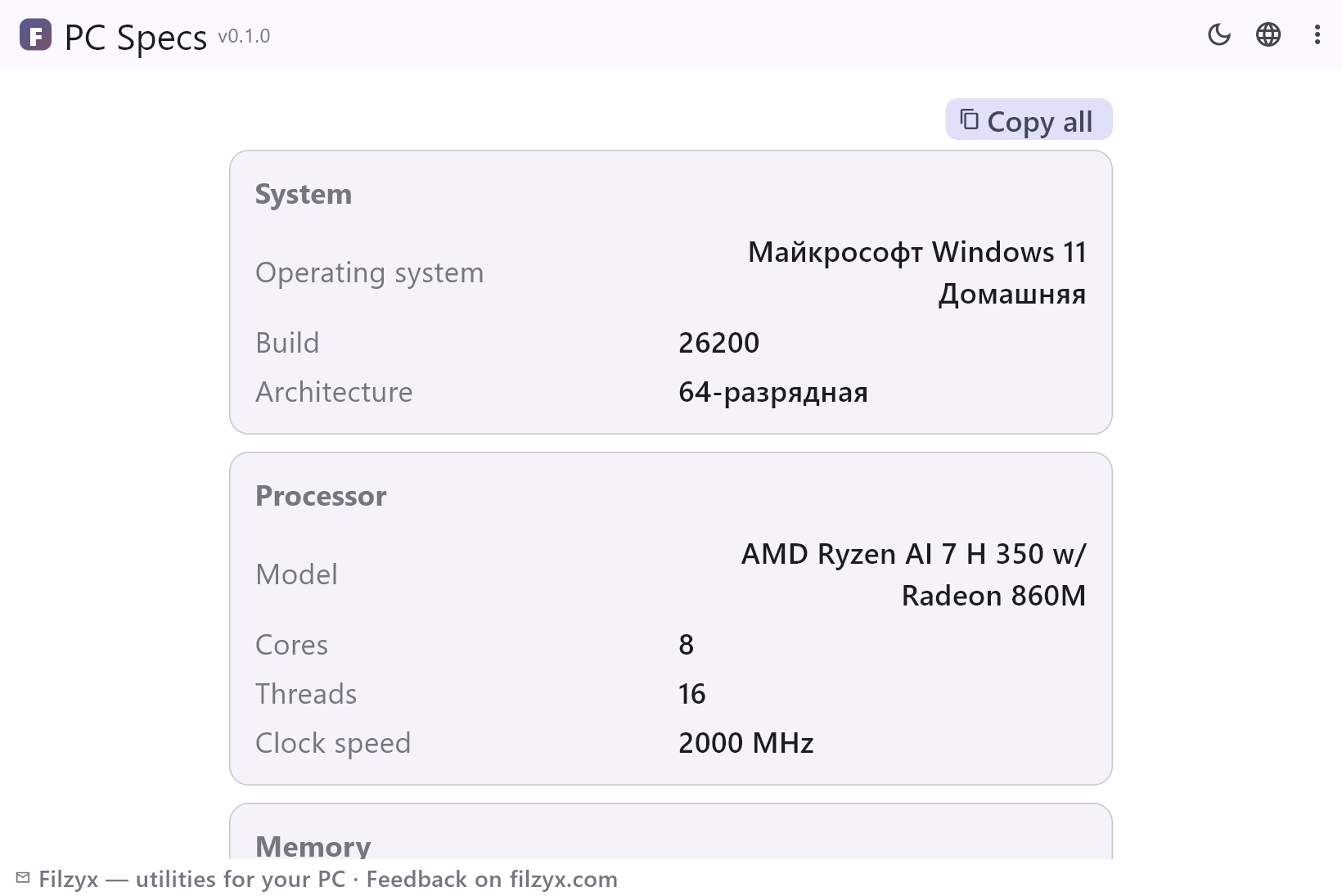
Launch, wait three seconds, read: OS and build, CPU with cores and threads, RAM with module speed, GPU and driver, disks, board and BIOS — on one scrollable page.
Settings: Refresh re-reads everything
Copy-ready summary
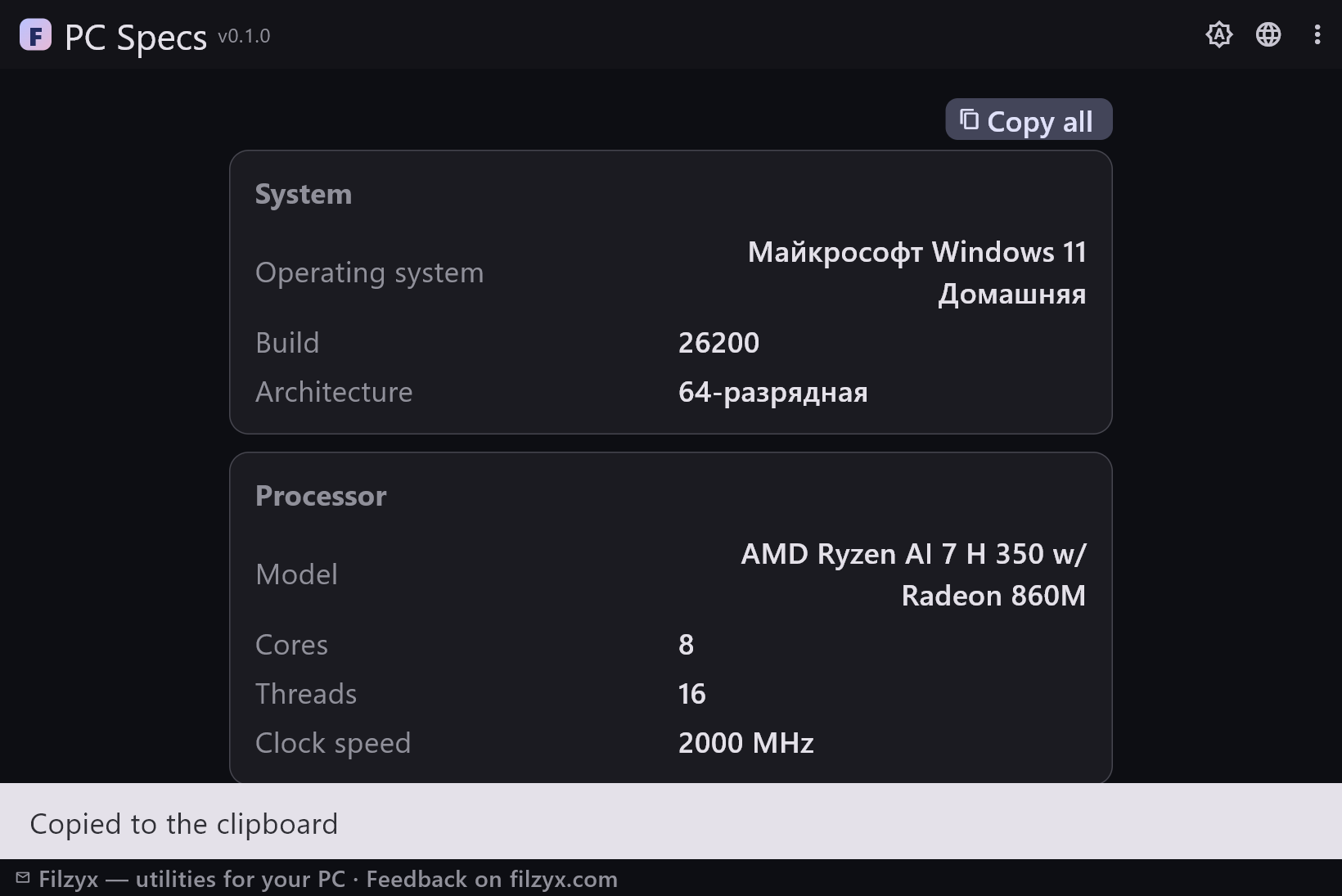
“Copy all” turns the cards into clean aligned text with localized labels — ideal for forums, marketplaces, insurance lists and support tickets.
Settings: One click to the clipboard
Official data sources only
Everything comes from the standard Windows CIM/WMI hardware database — the same source msinfo32 uses — so nothing is estimated or guessed.
Settings: No admin rights needed
How to view your PC specs in 3 steps
- Open the app — it collects the data on launch and shows the cards in a few seconds.
- Read the sections: System, Processor, Memory, Graphics, Storage, Motherboard, BIOS.
- Press “Copy all” to put a clean text version on the clipboard — perfect for a support request or a listing.
Better than msinfo32 and dxdiag
Windows has the data — hitting it is the problem. msinfo32 buries the CPU model three levels deep and opens a 1990s tree view; dxdiag shows graphics but little else; Settings → About gives a phone-screen-sized subset; systeminfo is a console command whose output people screenshot with their phone. PC Specs asks the same official sources (CIM/WMI — the successors of WMI) and prints the seven sections that cover 95% of real questions: OS, CPU, memory, graphics, storage, board, BIOS.
Where a clean spec sheet pays off
Selling a computer? The buyer wants the exact CPU model and RAM speed, not “gaming PC, fast”. Ordering a RAM or SSD upgrade? You need the current module sizes and the drive list. Posting a help thread? The first reply is always “give me your specs” — press Copy all and paste. Comparing a deal with your machine? Two windows, two spec sheets. And for pure curiosity — how many cores does this laptop actually have? — the answer is one click away.
Read-only, offline, no background services
PC Specs only reads: one PowerShell script queries the standard Windows hardware database and writes a small JSON that the app renders. No admin rights, no drivers installed, no services left behind, no accounts. Nothing is sent anywhere — the only network involved would be you pasting the copied text into a chat yourself. Press Refresh at any time to re-read everything, and “Copy all” for the plain-text version.
Features
- CPU model, physical cores, threads and clock speed
- Installed RAM total plus module sizes and speeds
- Graphics adapter and driver version
- Every disk with model and capacity; every drive letter with free space
- Motherboard manufacturer and model, BIOS version and date
- Windows edition, build number and architecture
- “Copy all” — the whole spec sheet as formatted text
- Refresh re-reads the current state at any time
- Data comes from official Windows sources (CIM/WMI)
- No admin rights, no drivers, no background services
- Dark and light themes
- 16 interface languages, no ads, no accounts, no telemetry
Screenshots
Guides
Step-by-step guides for Windows:
-
How to check PC specs on Windows (CPU, RAM, GPU) — free
Find out what is inside your PC on Windows 10/11: CPU model, RAM size and speed, graphics card, disks — with built-in tools (msinfo32, dxdiag, Settings) or a free one-window viewer.
FAQ
- Is PC Specs free?
- Yes — free to download and use on Windows 10/11 (x64), with no ads, no accounts and no telemetry.
- How is it different from msinfo32?
- Same official data, but organised into seven cards with plain labels, launched without a console, and with one-click “Copy all” for support posts. msinfo32 stays available if you want the extreme detail; for everyday questions the cards are faster.
- Does it need administrator rights?
- No. All the information is readable by a normal user; the tool only queries the standard Windows hardware sources.
- Why is the graphics memory sometimes not shown?
- GPU memory reporting via WMI is unreliable on modern GPUs (integrated adapters borrow from RAM), so the card shows the adapter and driver version instead of a misleading number.
- Can I copy the specs to a text file?
- Press “Copy all” — the formatted list lands on the clipboard and can be pasted into any chat, e-mail or document.
- Does it change anything on my PC?
- No. The app only reads system information; there is nothing to configure and nothing left running in the background after you close it.