

Emoji Picker
Free Windows app that finds the right emoji by keyword and copies it in one click — 546 emojis, a recent strip and zero internet.
What the app finds and shows
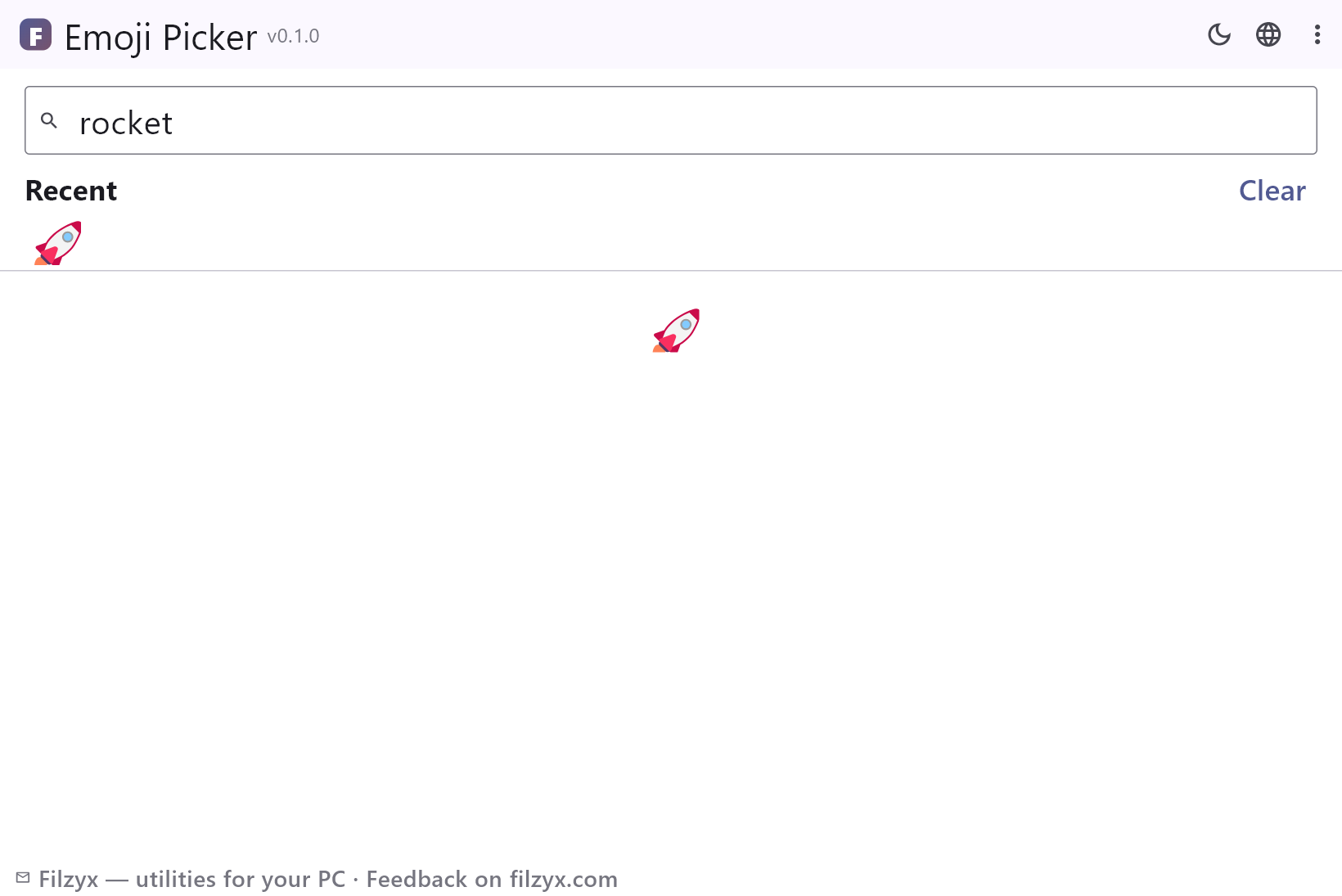
Keyword search
English synonyms and slang all match: “happy”, “launch”, “ok”, “fire”, “100”, “red heart”. Multi-word queries narrow the grid instantly.
Settings: Search box at the top
Recent strip
Every copied emoji lands first in a 24-item strip, deduplicated — your personal palette, remembered between runs.
Settings: Clear button included
Browsable groups
Eight grouped sections from smileys to flags for when you don't know the word — with tooltips naming every emoji.
Settings: 546 emojis, 8 groups
How to find and copy an emoji in 3 steps
- Type a keyword in the search box — everyday words like “happy”, “rocket” or “100” all work.
- Click the emoji — it is instantly copied to the clipboard and added to the recent strip.
- Paste with Ctrl+V wherever you need it: chat, document, ticket, comment.
Win+. exists — so why bother?
Windows has a built-in emoji panel: Win+. opens a grid you can click through. Three problems remain. First, its search understands the system language's emoji *names* — on a Russian or German Windows, typing “rocket” finds nothing. Second, there is no real history: the “recently used” row is small and resets depending on the app. Third, some classic desktop programs simply ignore the panel's paste behavior, while a plain clipboard copy works everywhere. Emoji Picker solves exactly these: English keyword synonyms on any system language, an honest 24-item recent strip, and a copy that is just a copy — paste works in every app that has an edit box.
Where keyword search wins
You remember the feeling, not the name: the rocket for a release note, the fire for a hot take, 💯 for “well done”, ☕ for a coffee break, 🏳️🌈 for June, 🚩 for a bug. Typing the English word is faster than scrolling three pages of a grid. Multi-word queries work too — “red heart” or “ok hand” narrows instantly. The recent strip turns into a personal palette of the dozen emojis you actually use, and the eight groups make browsing pleasant when you don't know what you're looking for. Coworkers get ❤️, docs get ✅, bug reports get 🐛 — and none of it required opening a browser tab.
A library that ships inside the app
All 546 emojis and their keywords are bundled into the executable — the app never touches the network. No “emoji API”, no CDN, no analytics ping when you pick a smiley. The clipboard is written only when you click an emoji; the recent list is stored in a local settings file and nowhere else. It works on a plane, in a server room, or on a machine where the corporate proxy blocks everything fun. Which is the right design for a tool you'll open a dozen times a day: instant, private, boring in the best way.
Features
- 546 emojis with English keyword search
- Everyday synonyms: “ok”, “fire”, “love”, “100”, “rocket”
- One-click copy with confirmation
- Recent strip of 24 emojis, deduplicated and remembered
- Eight groups: smileys, animals, food, activity, travel, objects, symbols, flags
- Multi-word search that narrows instantly
- Tooltips with the name of every emoji
- Search works on any Windows language
- Fully offline: the library ships inside the app
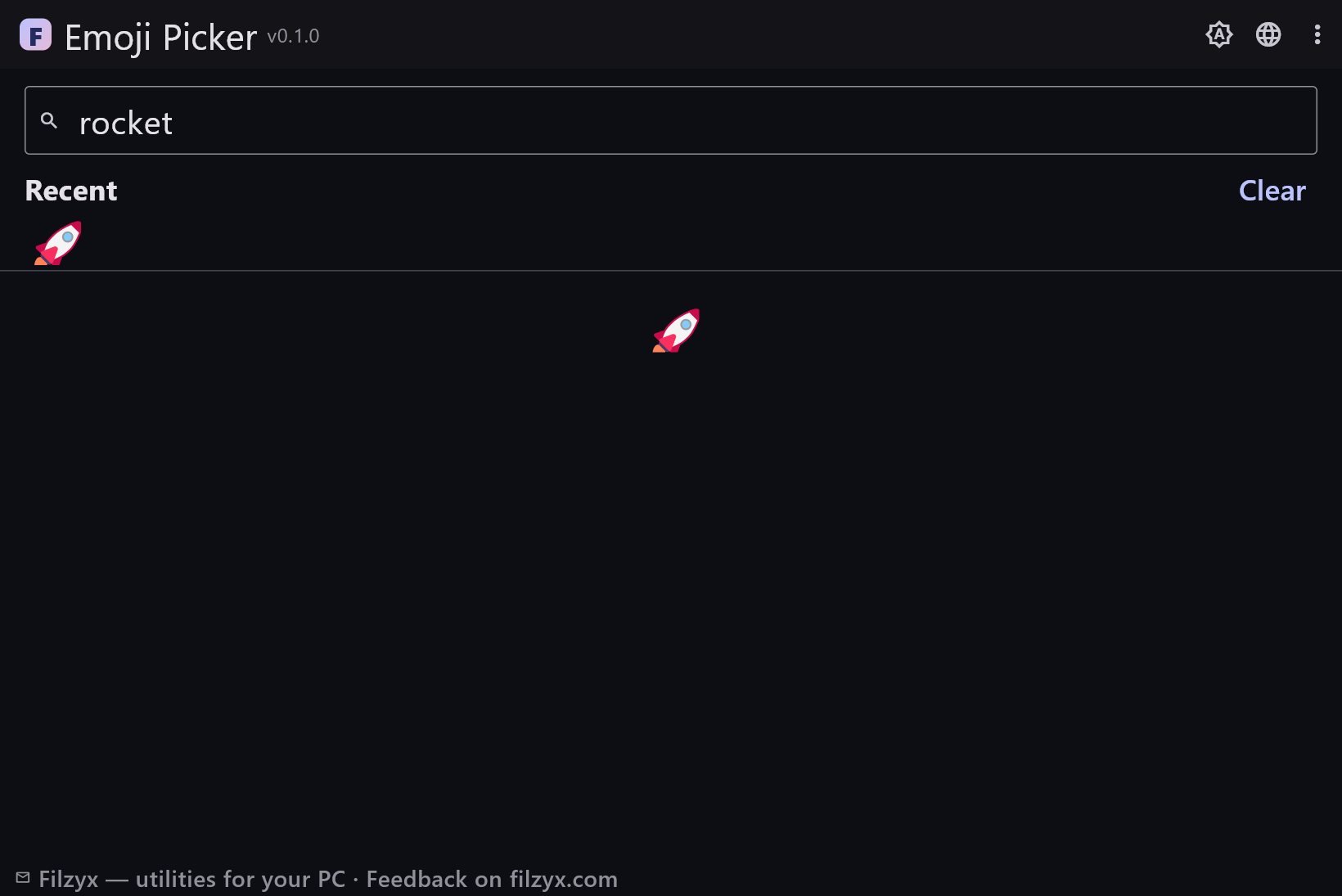
- Dark and light themes
- No account, no ads, no telemetry
- 16 interface languages
Screenshots
Guides
Step-by-step guides for Windows:
-
How to type emoji on Windows (fast, with keyword search) — free
Win+. opens the built-in emoji panel, but its search only knows localized names. Here is how to find emojis by keyword and copy them in one click on Windows 10/11.
FAQ
- Is Emoji Picker free?
- Yes — free to download and use on Windows 10/11 (x64), with no ads, no accounts and no telemetry.
- Windows already has Win+. — why install another picker?
- The built-in panel searches localized emoji names, so “rocket” only works on an English Windows; there is no persistent history, and some desktop apps mishandle its insertion. Emoji Picker brings English keyword search on any system, a 24-item recent strip and a plain clipboard copy that pastes anywhere.
- Why do I search in English?
- The keyword index uses English synonyms (“ok”, “fire”, “love”, “rocket”) because English emoji names are the lingua franca of emoji search — they work identically regardless of your Windows language. The interface itself is fully localized into 16 languages.
- How many emojis are there?
- 546 across eight groups: smileys and people, animals and nature, food and drink, activity, travel and places, objects, symbols, flags — each with 2–4 search keywords.
- Does it copy automatically?
- Yes — one click copies the emoji to the clipboard and shows a short confirmation. Paste with Ctrl+V; the emoji also appears in the recent strip.
- Does it work offline?
- Fully. The library is bundled inside the app; nothing is downloaded or sent. Wi-Fi off, plane mode on — it works the same.